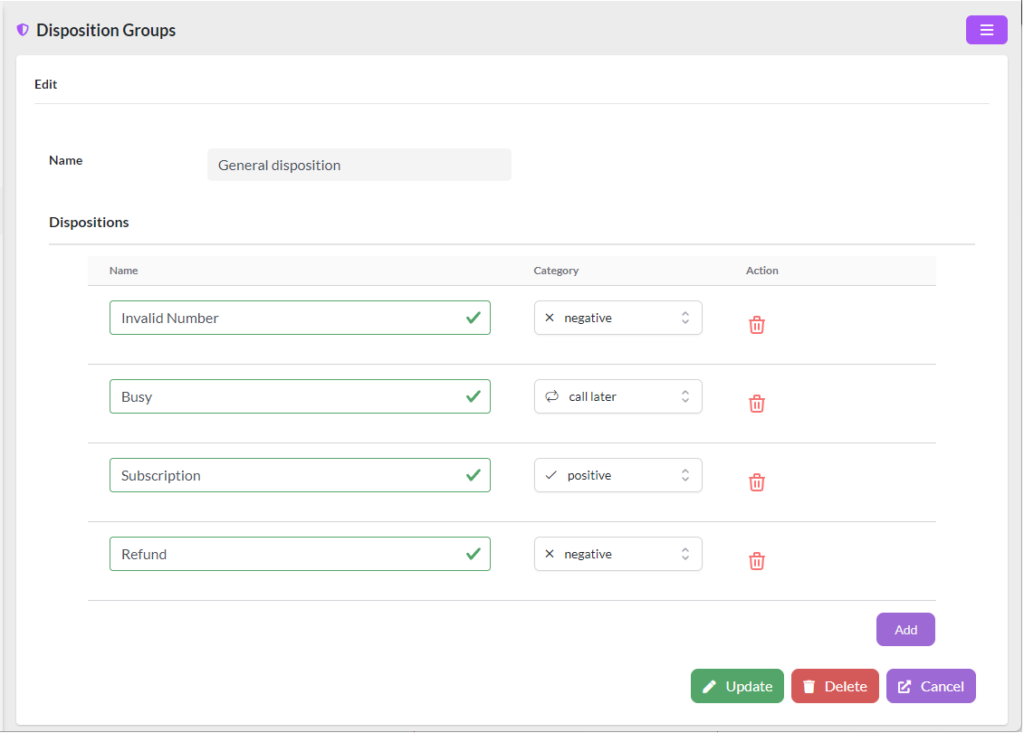
The disposition groups help us to catalog the result of the call in an easy and fast way, it is part of the form that is shown to the agent when he/she is on the call.
To create a disposition group, go to Campaigns/Disposition Groups.
The default layout categories are:
- Negative, can be associated when the call did not give the expected result.
- Positive, can be associated when the call gave the expected result.
- Call Later, can be associated when the contact person told us to call you back.
The following is an example configuration: