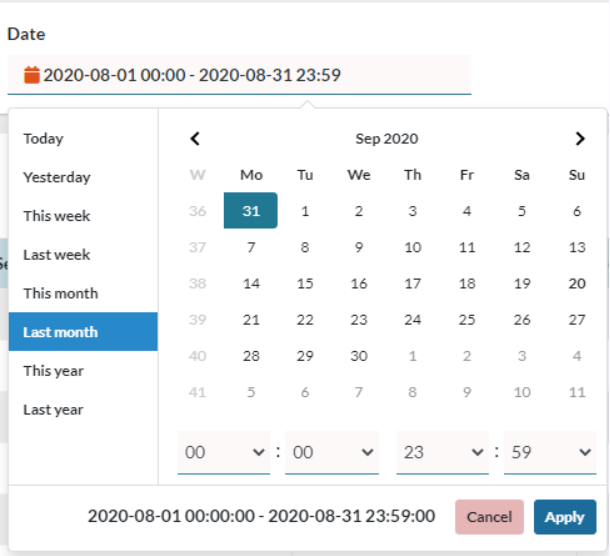
Here, we configure the Date and Time Range to use to generate the reports, when clicking on the field, we will be shown a calendar with multiple options.
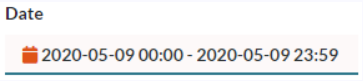
We have some range templates that can facilitate the selection:
- Today, we evaluate the calls for the current day.
- Yesterday, we evaluate the calls for the day prior.
- This week, we evaluate the calls for the current week starting from Monday, or the day you have defined as your week start.
- Last week, we evaluate the calls for the week prior starting from Monday, or the day you have defined as your week start.
- This month, we evaluate the calls for the current month.
- Last month, we evaluate the calls for the month prior.
- This year, we evaluate the calls for the current year.
- Last year, we evaluate the calls for the year prior.
- Custom, We can also select a custom date and time range by selecting the days on the calendar.