
We saw previously how you can have a Multi-Tenant environment with HAPBX. Now, let’s look at the other side of the coin, deploying a Multi-Instance server using Proxmox. This is quite simple as Proxmox VE is a virtual machine environment.
For this, you can follow the steps from the previous lesson to create a container. Once you have your container, install HAPBX. With HAPBX installed, you can now power off the container/virtual machine, and right-click the instance on the Proxmox navigation menu on the left. This will show you the Create Template action. By creating a template, you can easily deploy a new HAPBX instance to your liking and as your server supports it.
Now, you can have many HAPBX instances running. Keep in mind, when running multiple instances, you need to keep in mind the resources allocated. Each HAPBX instance will be completely independent and each will need its own license. As such, each instance will need to be updated on its own.
With the template created, to deploy a new instance, you can right-click the instance again and click Clone.
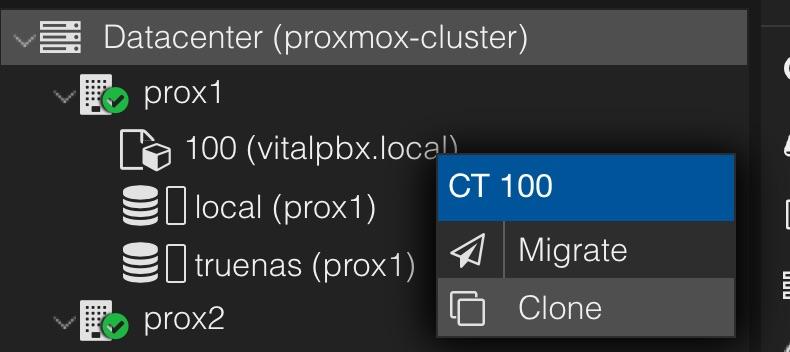
When creating a CT template, you can no longer start that machine. So you can use this first instance only to clone it into new instances. Once cloned, the new instance will have the IP address set on the original template. So we recommend you first set the network address for the new cloned CT or VM first thing. As well as using different hostnames when you create a new instance.