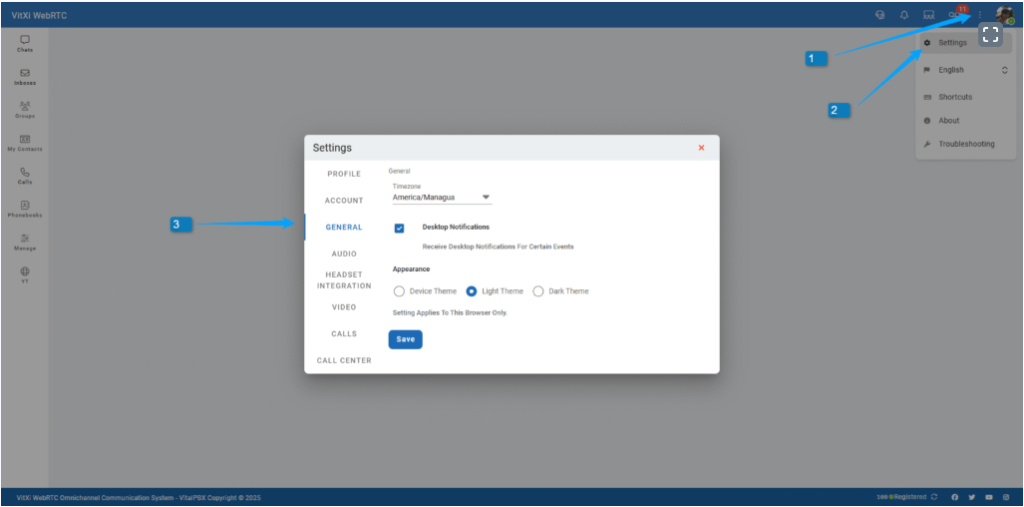
This section allows you to configure global behavior for the VitXi interface.
- Timezone – Adjusts timestamps in chats and call history.
- Desktop Notifications – Enables popup alerts for calls or messages.
- Appearance (this setting only affects the current browser)
- Device Theme – Follow the system’s theme automatically.
- Light Theme – Use a bright interface style.
- Dark Theme – Switch to a dark, eye-comfortable appearance.